
Turn photos into canvases
Choose a photo, set the detail level, and turn it into a clean numbered canvas.
Paint by number creator + social feed
This paint by numbers app turns your photos into canvases you can tweak, send to friends, or post for other people to complete.
Why people use it
It is a paint by numbers app, but it also lets you share and post the canvases you make.
Choose a photo, set the detail level, and turn it into a clean numbered canvas.
Share a canvas without giving away the full image right away. The reveal happens as they finish it.
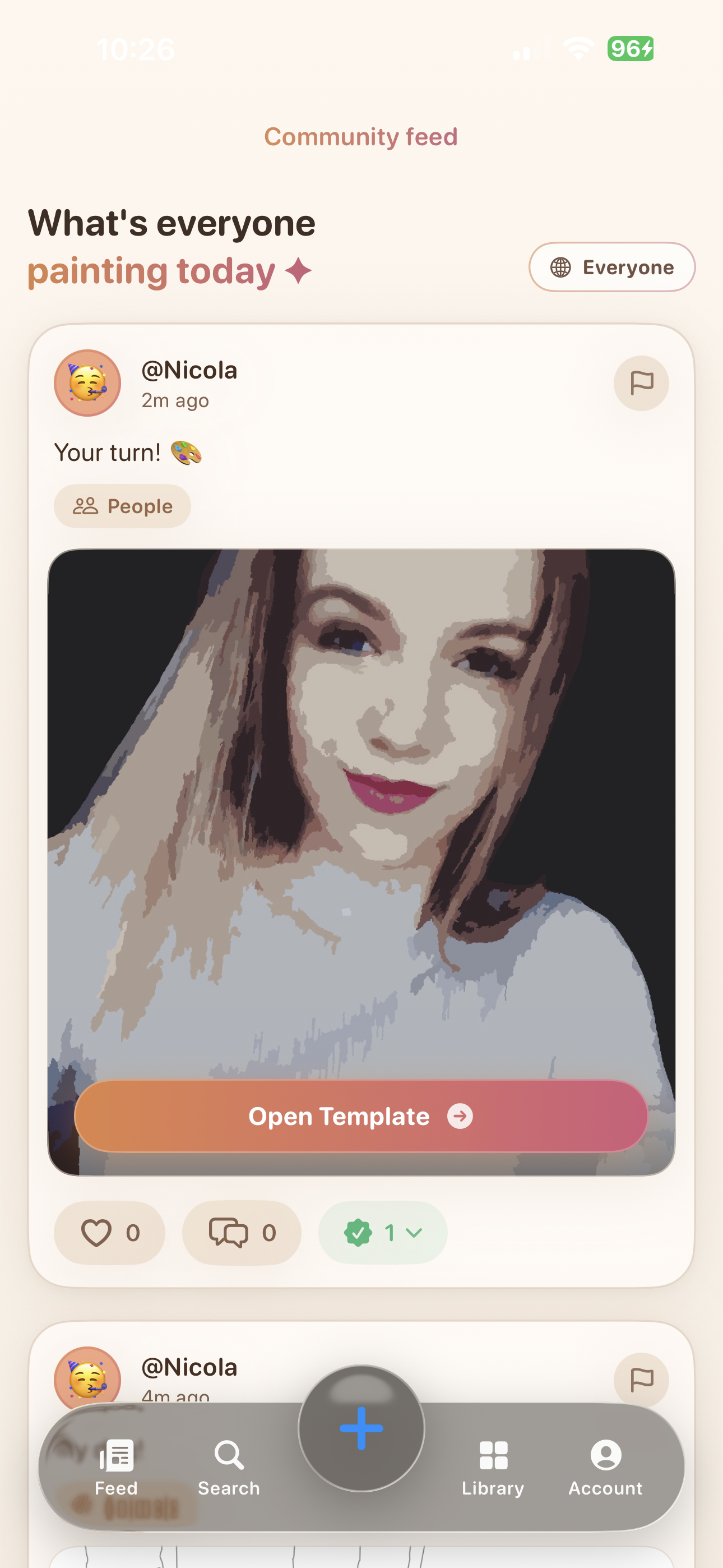
Put your canvas in the feed so people can find it, follow you, and open it for themselves.
Track likes, comments, follows, reports, notifications, and completions on every post.
How it works
This is not just a filter on top of your photo. The app cleans up the image, groups similar colors, and turns messy detail into clear paint areas that are easier to follow.
Then it builds numbered regions, decides how much detail to keep, and shapes the color palette so the result still looks like your image and still feels good to complete.
Inside the feed
One screen shows a finished post. The other shows one still in progress.
Ways to use it
Turn a meaningful photo into something someone can slowly reveal as they fill it in.
Let the image unfold over time instead of showing everything right away.
Post your canvases so other people can find them, interact with them, and complete them too.
Privacy summary
You can make canvases on your device without posting them. If you do post, the site explains what gets shared and what stays private.
Imported source photos are used to build canvases on your device. If you publish socially, the current app flow uploads derived canvas assets and previews rather than the original source photo.
Usernames, bios, avatars, captions, comments, likes, follows, notifications, moderation reports, and completion activity power the community side of the app.
The full policy explains sign-in, Cloudflare hosting, iCloud sharing, rewarded ads, Remove Ads purchases, local storage, and how users can delete posts or delete their account.
The full page covers what is collected, what gets shared, and how deletion works.
Support and legal
This site gives users and App Review clear public pages for support, moderation, purchases, rights, and account controls.
That includes the rules, reporting tools, contact info, privacy details, deletion help, purchase help, and copyright guidance.
App Review Checklist
Start here for public contact info, account help, moderation follow-up, privacy/deletion guidance, purchase troubleshooting, rights complaints, and direct email support.
Open supportRead the posting, safety, spam, harassment, and enforcement rules for the public social feed.
Read guidelinesReview the legal terms for accounts, user content, moderation, purchases, and service availability.
Read termsSee how to keep canvases local, manage permissions, remove posts, and delete an account.
Manage choicesUnderstand ownership, the license needed to host posts, and the path for copyright complaints.
View rightsGet guidance for the one-time Remove Ads purchase, restore flow, and Apple-handled refunds.
Purchase helpFAQ
You can make canvases from your own photos and post them into a feed where other people can actually complete them.
Instead of revealing the full picture immediately, you can send a canvas version so the image becomes clear while the recipient colors it in.
Yes. Shared posts can be discovered in the feed, and the app tracks interactions like likes, comments, follows, and completions.
Before a public post is uploaded, the current build runs an on-device image-safety check. Signed-in users can report posts and comments, users can block accounts from their feed on that device, and the published community guidelines explain how review, removal, and appeals work.
The full policy is available on the dedicated privacy policy page and covers source photos, social features, sign-in, ads, iCloud sharing, retention, and account deletion.
Use the public support page or email stevenstrange1998@gmail.com. If you can still sign in and need permanent deletion, open Profile, tap the more menu, and use Delete Account; otherwise use the public guidance for community guidelines, purchase help, or privacy choices and account deletion.
That is the app
This page shows the paint by numbers app, the feed, and the main support pages without making people dig for them.